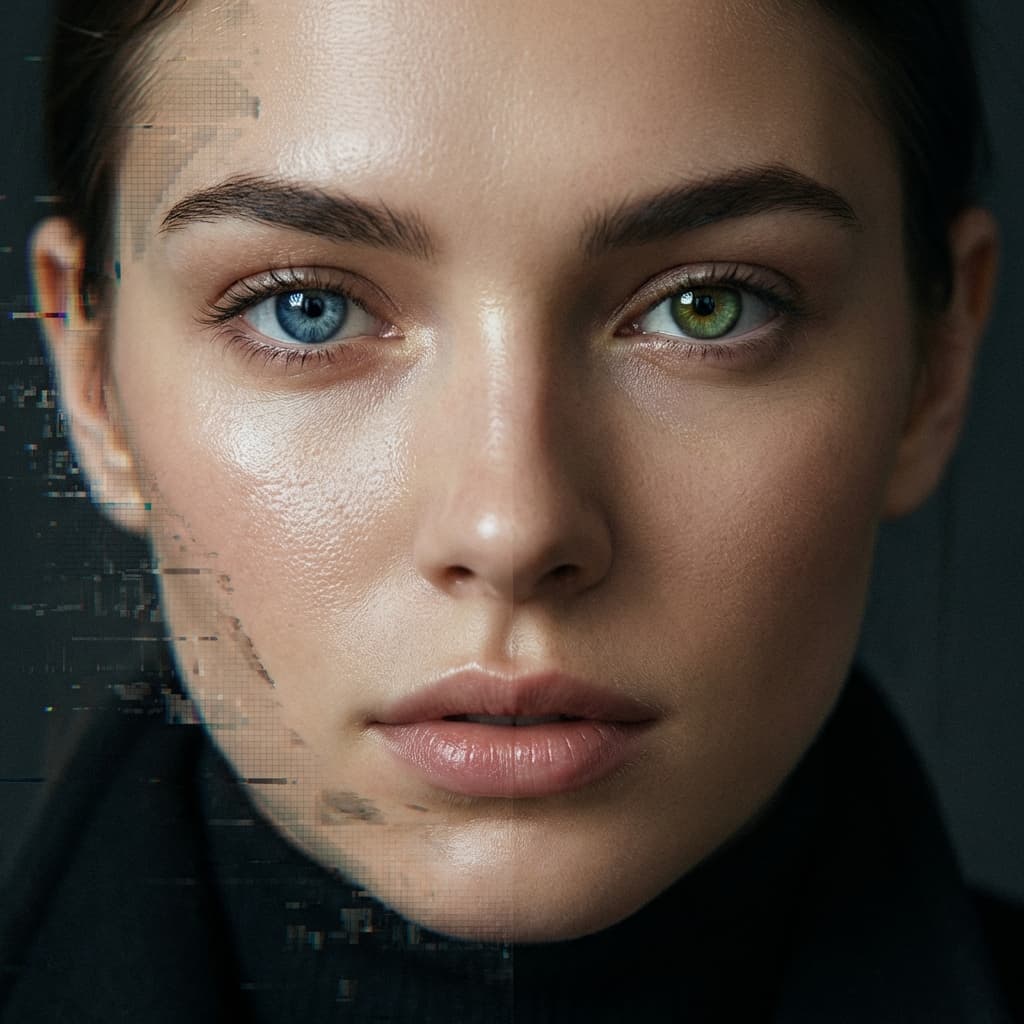
Create Realistic AI Portraits (Without Watermarks)
Everyone wants photo-realism in AI portraits. But high-end generations in Gemini always come with that invisible SynthID tag.
Want professional results? You need the right prompt + Purity.
The "Realism" Prompt Formula
To get truly lifelike results (especially for portraits), stop using generic words. Use a Photography Focus:
Prompt Style: "Close-up portrait of a woman, shot on 85mm lens, f/1.8, natural soft window lighting, cinematic atmosphere, high detail skin texture, hyper-realistic, 4K."
Why Watermarks Ruin Portraits
Portraits are about detail. Gemini's SynthID modifies the subtle textures of the skin and eyes to embed its signature. For professional portfolios or print, these "pixel-shifts" are unacceptable.
Purity is the only engine that restores these micro-details while stripping the watermark.
The Workflow for Pros
- Prompt for Camera Specs: Mention lenses (35mm, 50mm, 85mm) and lighting (Rembrandt, butterfly, or natural).
- Generate at High Res: Let Gemini handle the heavy lifting.
- Clean with Purity: Instantly remove the SynthID signature to get 100% clean, unbranded files.
Stop Settlements
Don't let a digital signature tell the world your professional portrait is "just an AI generation." Own your output.
Pro Tip: Realistic images have complex pixel data. Purity's Reverse Alpha Blending is designed specifically to protect this detail.

Explore Purity
Watermarks ruining your perfect generations?
Join thousands of creators using Purity for pixel-perfect, lossless AI watermark removal. Instant processing, pro quality.
Try Purity Free